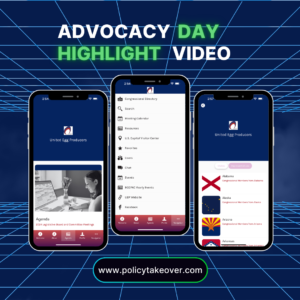
Join other advocates with using an advocacy app.
(Click the images below to learn how Policy TakeOver has helped other organizations.)
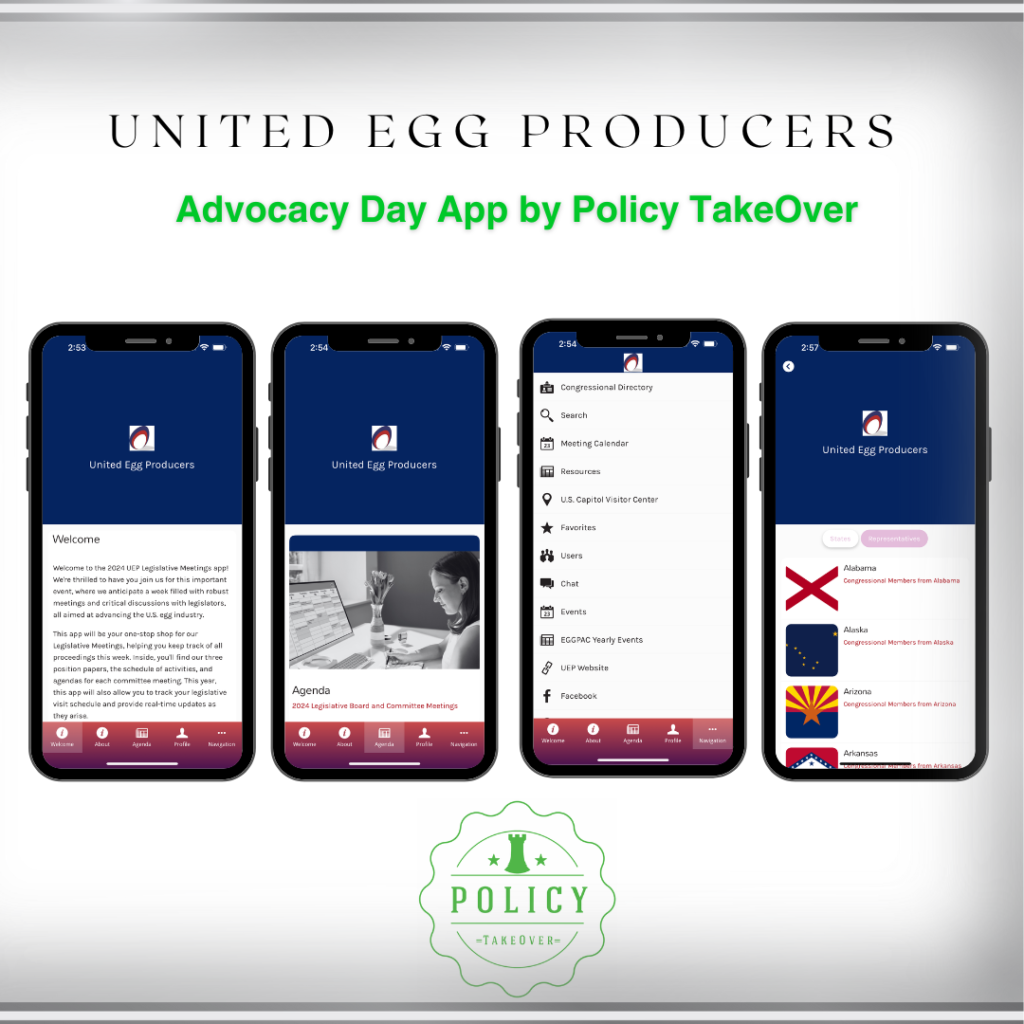
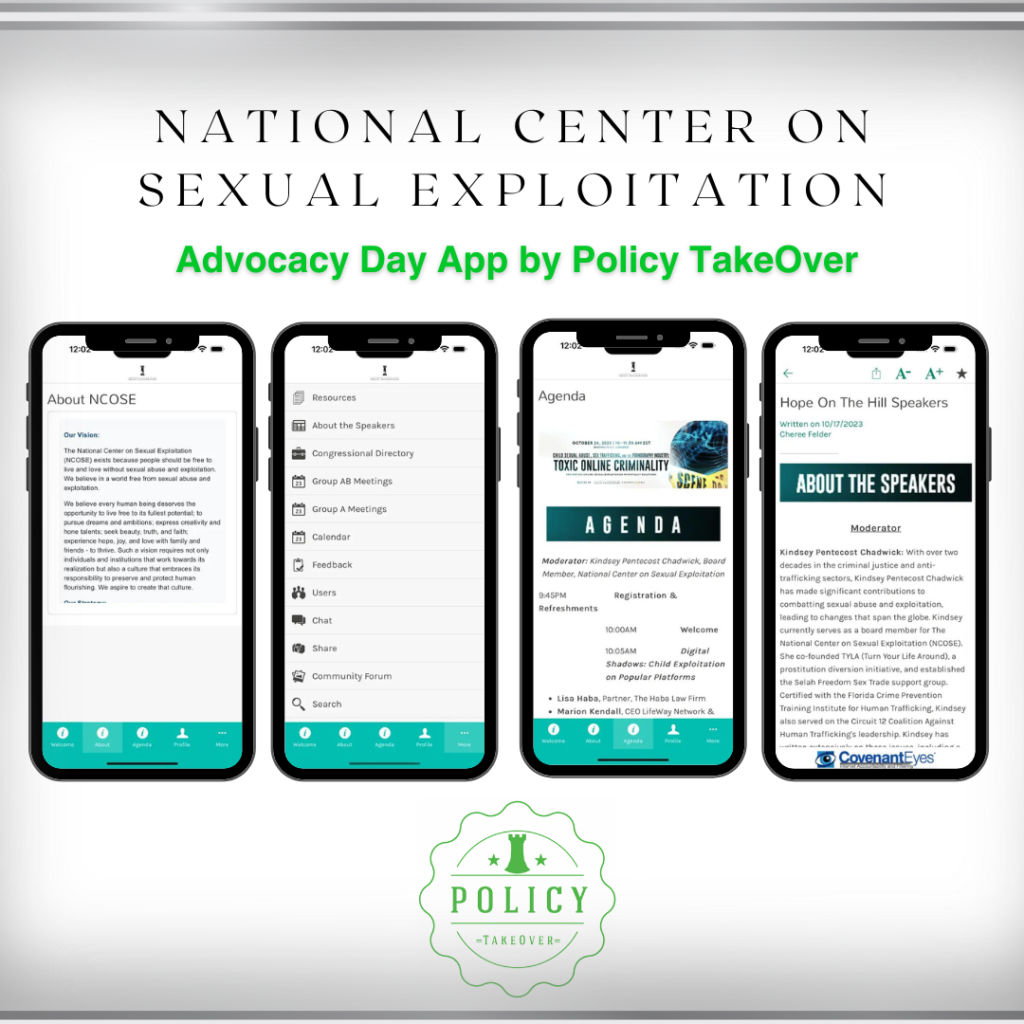
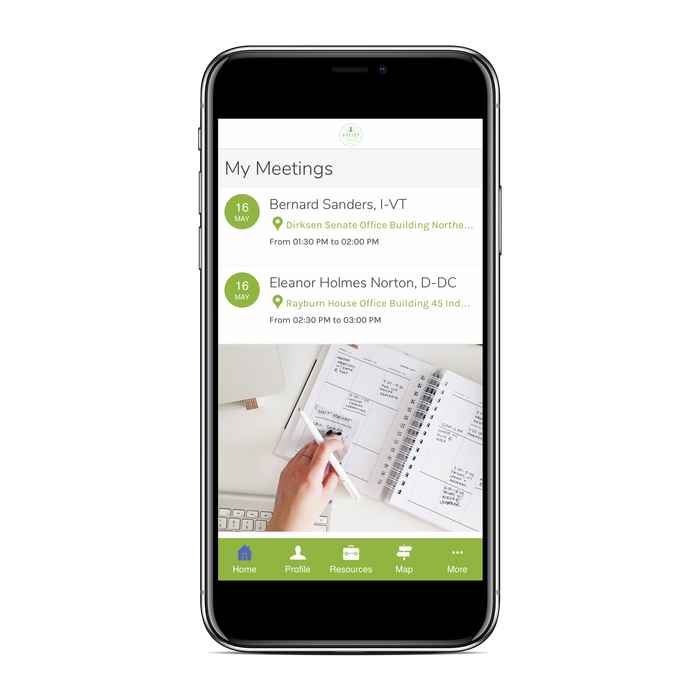
Leave the endless amount of paper behind.
With our app, your agenda, talking points, and meeting schedule are at the touch of a finger.
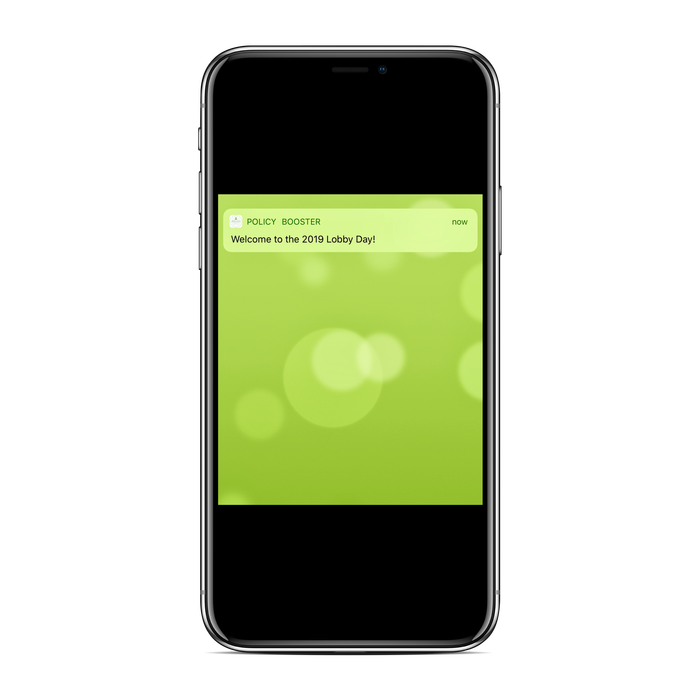
Last minute changes? No Problem.
Advocates are kept up-to-date with real-time edits. Lobby Day advocates can receive push notifications directly to their phone.
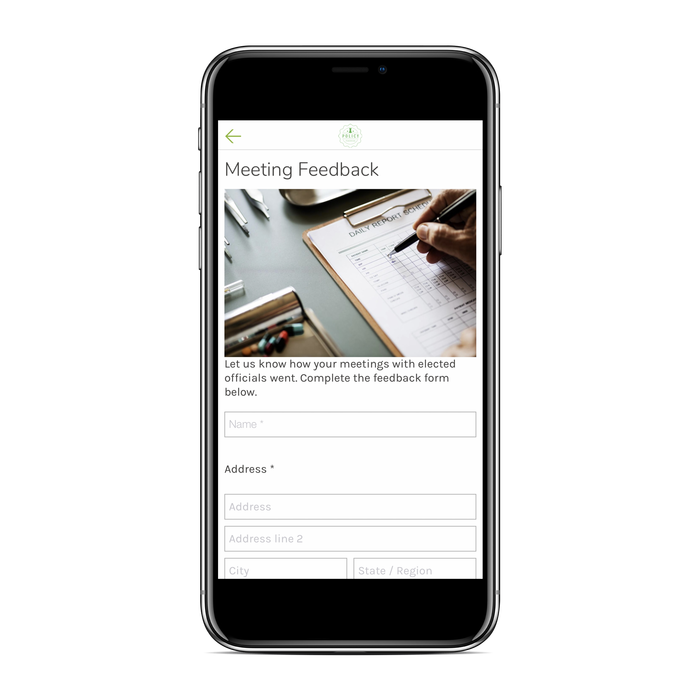
Get immediate feedback from advocates.
Don't wait days to hear feedback from advocates. With the feedback form, you know immediately how well things went.
Experience our interactive app demo.
(Hover mouse over the app and click throughout to experience as a user.)
App Feature Details
-
Logo Branding
The custom app is branded with your logo helping to keep brand recognition. Your brand recognition is continued within the app with the use of colors (on titles, links, and buttons) that are widely used within your organization such as colors in your logo or website.
-
In-App Chat
Meeting new people with similar interests is one of the top reasons individuals choose to attend an event. The In-App Chat section allows Advocacy Day attendees to communicate one-on-one without having to share their personal information. It's simple. Users click on a profile from the App Users list and send that person a message. The In-App Chat feature is similar to text messaging.
-
Sponsors Showcase
Say thank you to your generous sponsors by showcasing them within your app. Your sponsors can be showcased in several formats. Sponsors can be displayed either in a separate section within the app similar to the back page of a traditional conference booklet, displayed as a banner at the bottom of a page, or displayed as a popup screen. Want your attendees to gain insight on who your sponsors are? We can link a URL to your sponsor's logo allowing app users to view their website to learn more information about them. Lastly, provide your sponsors with impression and engagement analytics which can be found in your dashboard.
-
Restrict Authorization
Control who has access to your app. Authorize access only to users signed up for the app. Do you have levels of membership? Deny certain users the ability to view particular pages within the app. Lastly, give users the freedom of not having to remember another password by signing into the app via Facebook or Twitter.
-
Push Notifications
Keep Advocacy Day attendees updated with last minute changes or event reminders via push notifications. The push notifications can be prescheduled for event reminders or manually entered for last minute changes. Lastly, direct users to a specific page within the app or to an external URL once the push notification is opened.
-
Resources Section
Have your Advocacy Day documents including advocacy one-pagers, leave-behinds, and background information stored within the app in the Resources Section. Documents are uploaded via PDF allowing app users to view and download the PDF directly to their phone.
-
Meeting Schedules
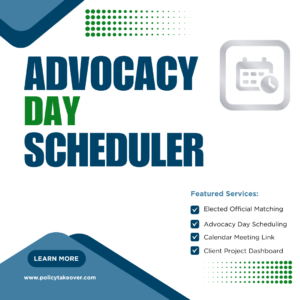
Have a central location to list all scheduled meetings or keep schedules private allowing users only to see their scheduled meetings. Additional meeting attendees can be added to the meeting notes by the organizer via the dashboard. Also, users' meeting schedules can be synced to their device's calendar reminding them of their upcoming meetings.
-
Speaker Spotlight
Highlight your conference speakers and their session topics.
-
Elected Officials' Profiles
Advocacy Day attendees can read about their elected official before their meetings. Elected official profiles include their photo, office address, office phone number, short biography, website link, and social media links.
-
Map Section
This section contains a map of the US Capitol and an indoor map of the Capitol. For state Advocacy Days, the Map Section contains a map of the State Capitol. Users can choose to sync the map with Google Maps for driving and walking directions.
-
Feedback Forms
A custom feedback form is created with your questions. Choose from a variety of data response fields including multiple-choice, check-boxes, paragraph, single line, and numbers. Furthermore, you can choose to receive email alerts after each feedback form response or easily retrieve feedback form responses from the backend of the app and export the data.
-
Social Media Integration
Keep your users connected by showcasing your social media channels. The app integrates Facebook, Twitter, LinkedIn, Instagram, YouTube, and Vimeo.
-
Community Forum
Users can stay engaged and social on the app by posting photos, videos and sharing messages from the Advocacy Day. This feature is similar to having a social media page within the app in which anything posted is for the entire community to view and comment on.
-
Video Section
Have a complete Advocacy Day training video catalog showcased within the app including videos explaining what to expect during Advocacy Day and a detailed summary about your public policy agenda.
-
In-App Search
Users can search for uploaded documents using keywords. Also, users can search the calendar using keywords to quickly view specific meeting details.
-
Stream Live Video
Stream your Advocacy Day training within the app and allow members back home to view your Advocacy Day conference remotely for an authentic Virtual Advocacy Day.
-
Stream Audio
Have a podcast with an RSS feed? Provide your link and have a podcast show within the app.
You have questions, we have answers.
Frequently Asked Questions
Can the app be used for the state level?
Yes, the app can be used for the state level. Instead of showing the Congressional Directory section the app will have a State Legislator section. In addition, the Map section will have the State Capitol instead of the US Capitol.
The app generally takes 2 weeks however the actual amount of time depends on how responsive an organization is with providing Policy TakeOver documents, preferences, etc.
Yes, Policy TakeOver will initially batch import the users. After the app is created your organization’s administrator will have access to add users in the backend of the app.
No, there is not a limit to the number of users for the app. However, Policy TakeOver would like to know in advance if your event will have a high volume of users.
Yes, Policy TakeOver will submit your custom app to the Apple App Store and Google Play Store for distribution.
Yes, Policy TakeOver can embed your action alerts or include the HTML page within the app.
Yes, Policy TakeOver will conduct regular checks of the app to make sure it works properly with software updates.
Yes, you can contact Policy TakeOver via email for assistance using our contact form. Also, in your account dashboards, custom Advocacy Day app customers have access to how-to videos and article tutorials which provide step-by-step instructions on several topics including how to send push notifications and how to view sponsor statistics.
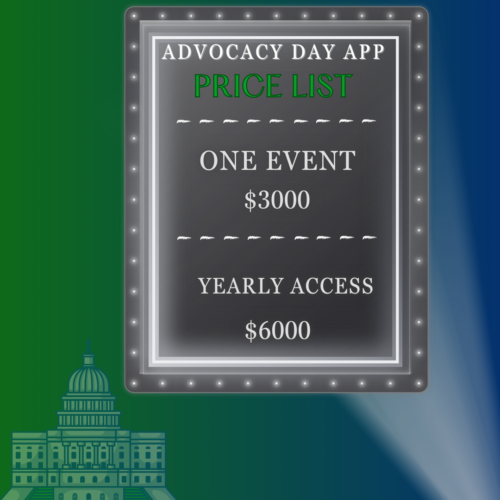
We have two price structures for the custom Advocacy Day App. For one event the cost is $3,000. To have access to the app throughout the year the cost is $3,000 (app creation fee) with a monthly $500 subscription paid annually. A minimum 12-month subscription is required for the multiple event price structure, there is an unlimited amount of events for the option.
Yes, small organizations with 50 or fewer users can have access to our Policy Booster app upon availability for their Advocacy Day. First come first serve for the date availability. Learn more here.
Yes, please provide your tax-exempt documentation or tax-exempt number during checkout to receive the exemption. Your order will be pending upon verification. You can also contact us prior to payment and provide documentation as well.
Purchase the Advocacy Day app today.
Additional Advocacy Services